


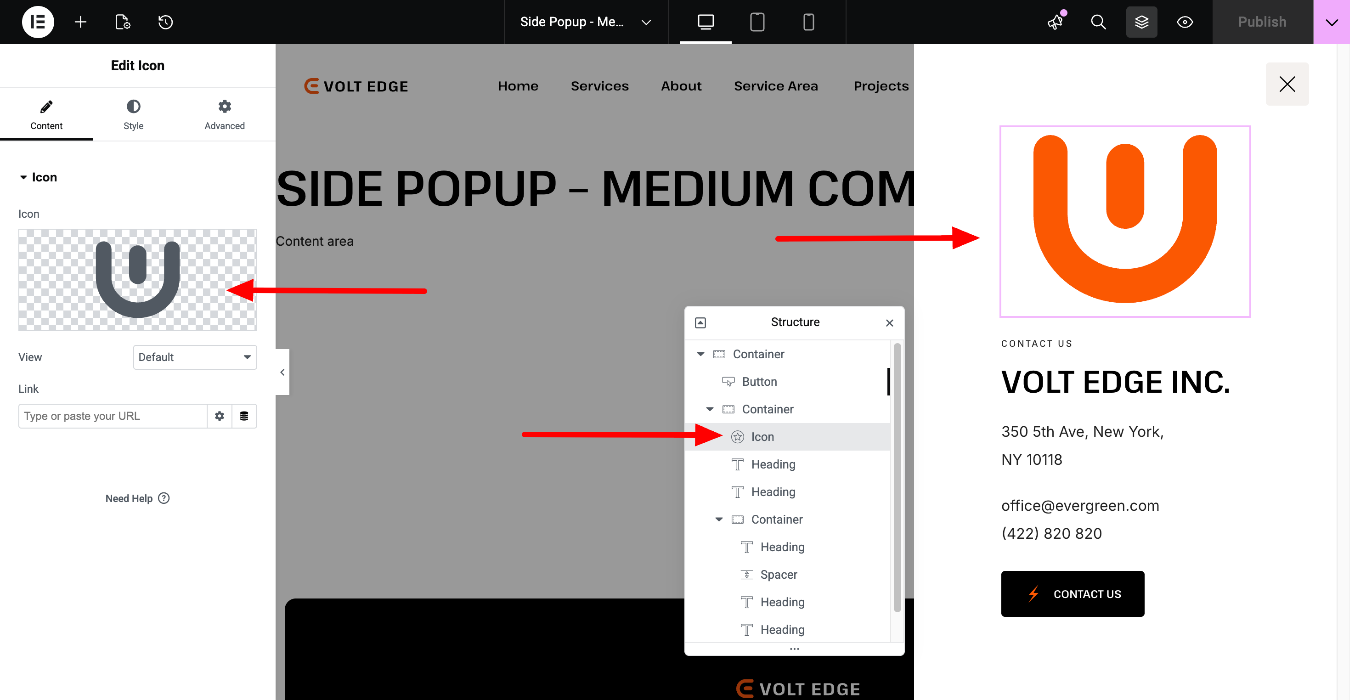
Follow the instructions below to edit the side popup in the header section of this page https://voltedge.vamtam.com/medium-company/
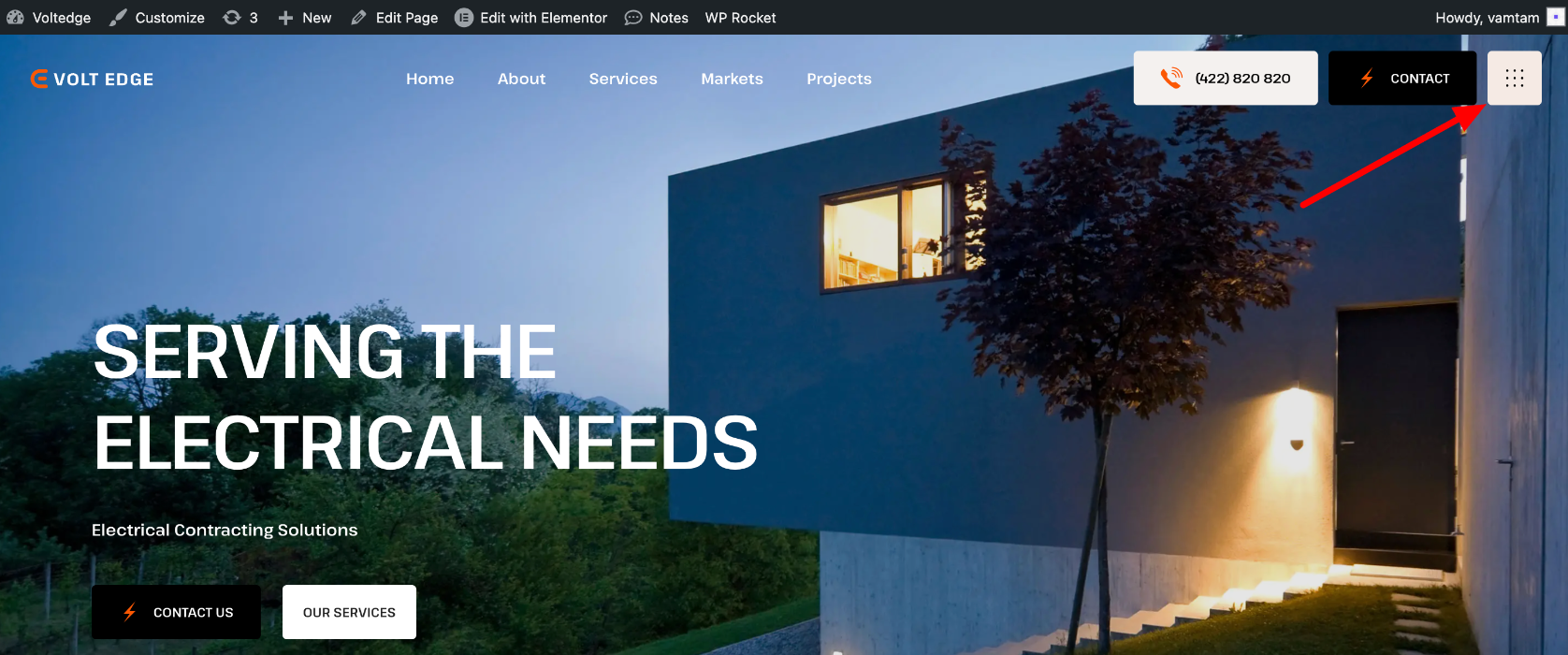
This popup screen opens up when you click on the navigation icon:
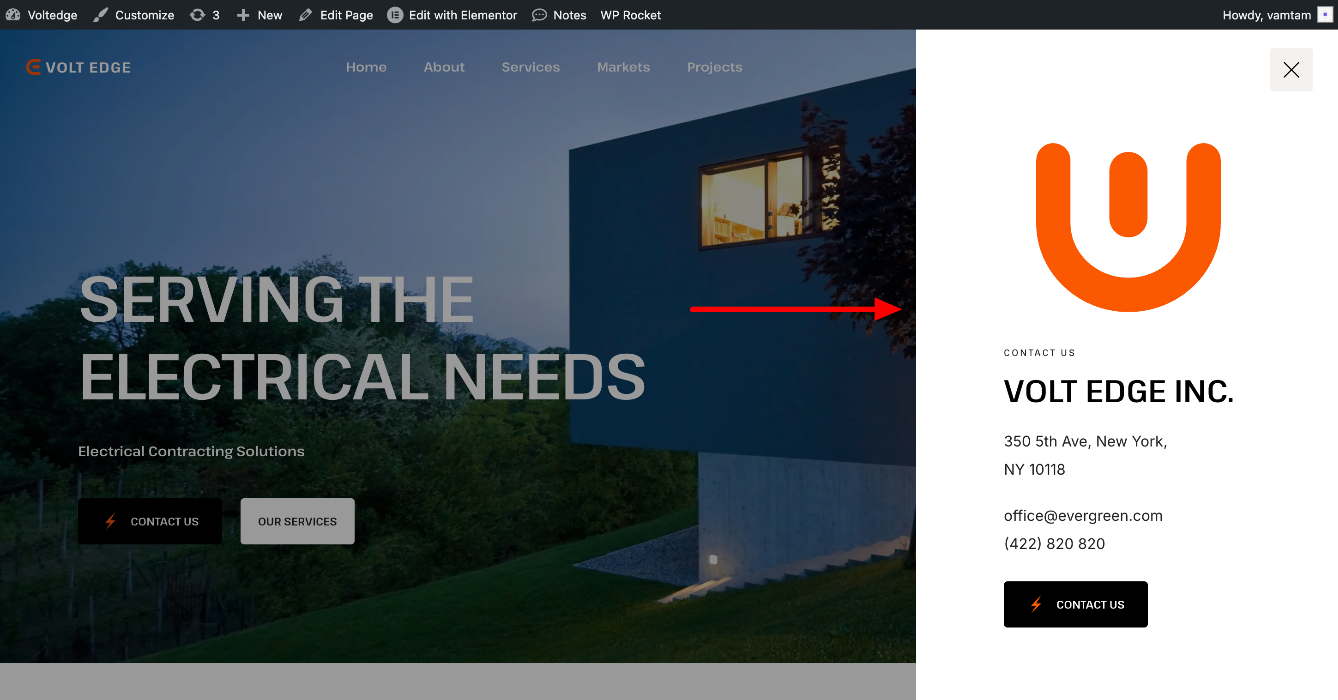
To begin, navigate to the Toolbar > Edit with Elementor > Side Menu (the name of the template may be different)
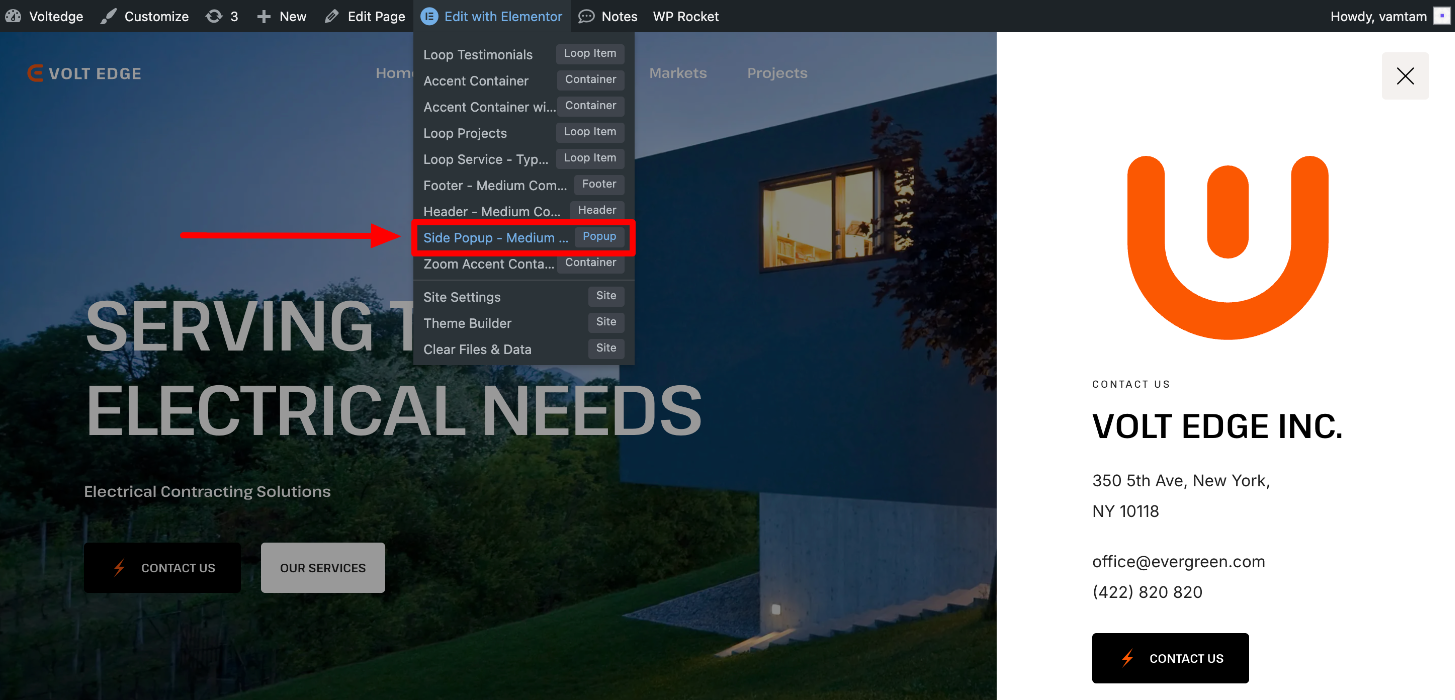
Or go to Templates > Popups > Side Menu (the name of the template may be different) > Edit with Elementor:
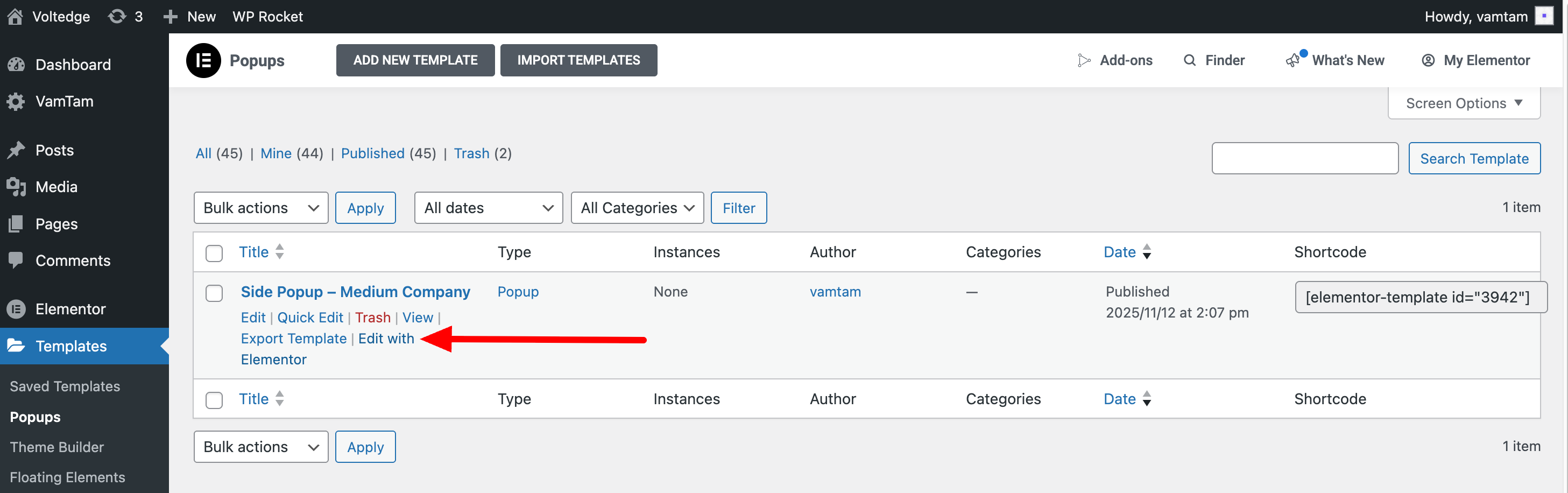
Control the layout, conditions, rules and styles of the Side popup template.
Please check these guides for further information:
Read more about the Elementor Popups
Guide to Vamtam Elementor Builder