


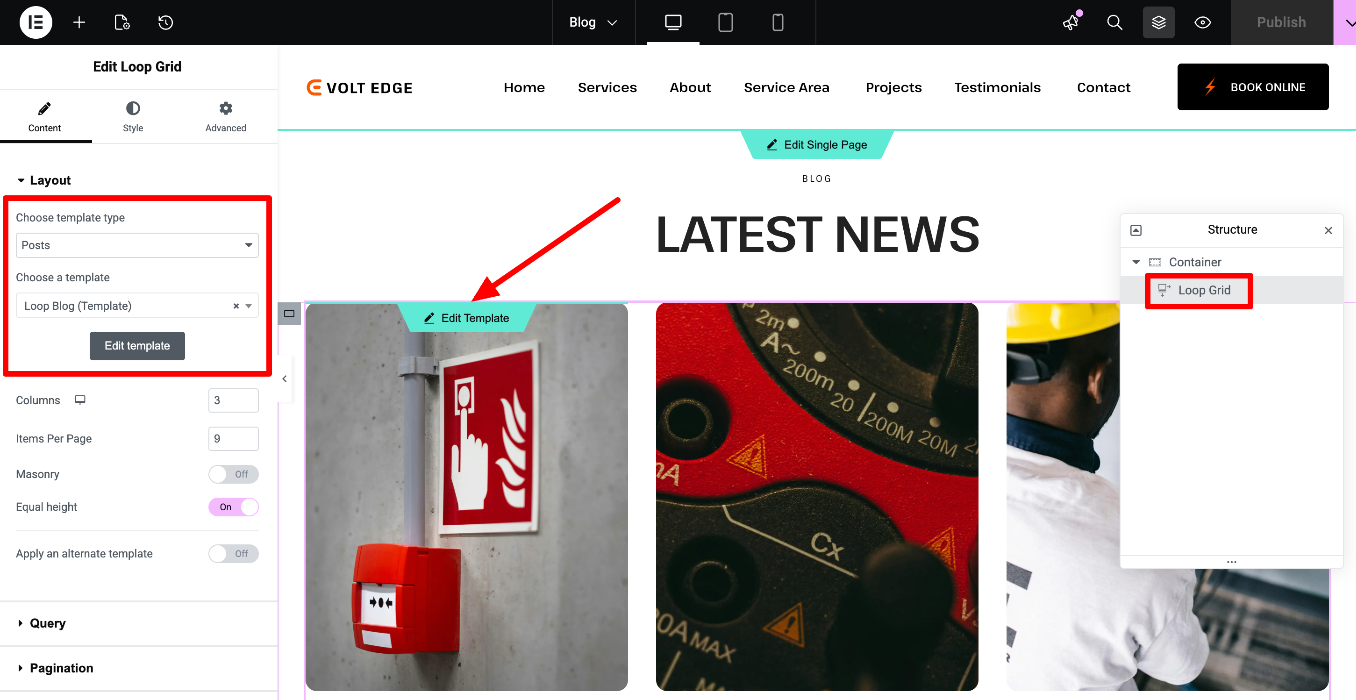
The Blog page is built using a Blog Loop Grid.
The Loop Builder enables you to create and design the main item for repeating content (i.e. loops), such as listings, and customize its layout on the page.
https://elementor.com/blog/introducing-the-loop-builder/
https://elementor.com/help/how-do-i-build-a-loop-grid/
How to edit the main item template of the Loop Blog?
Edit the page with Elementor > Locate the Loop Grid / Carousel widget:
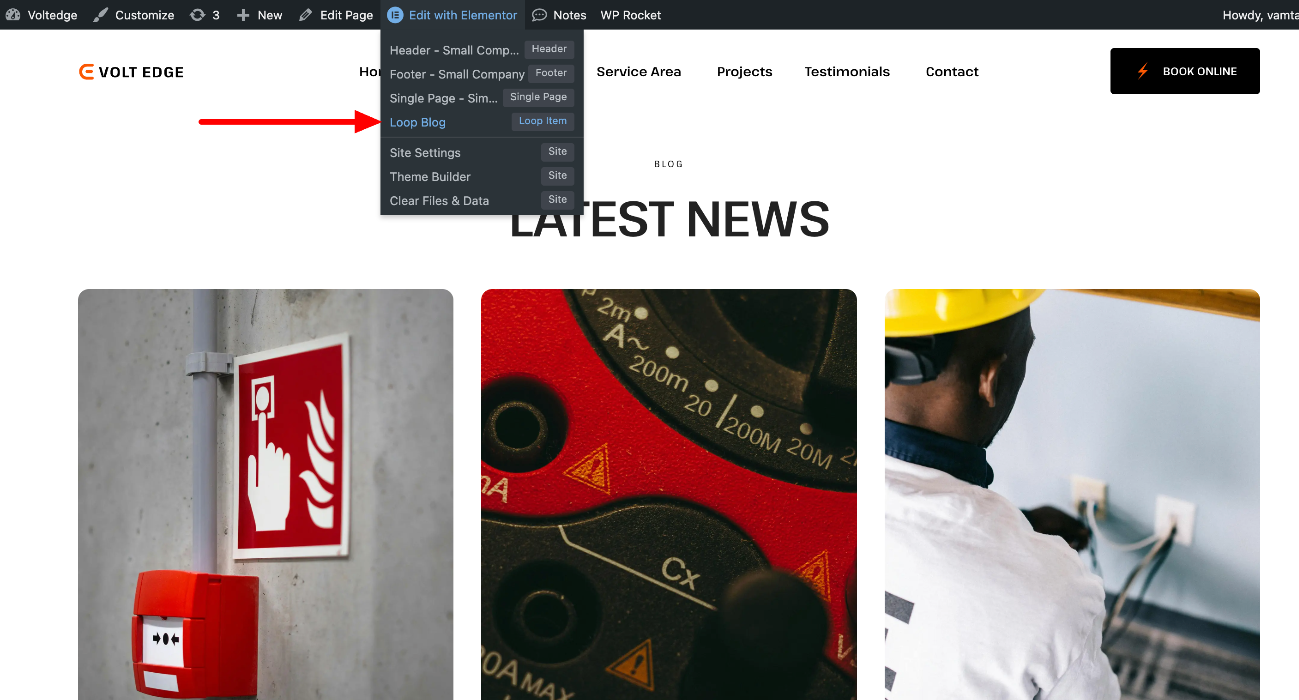
You can also access the widget & template from the toolbar - "Loop Blog" for this example:
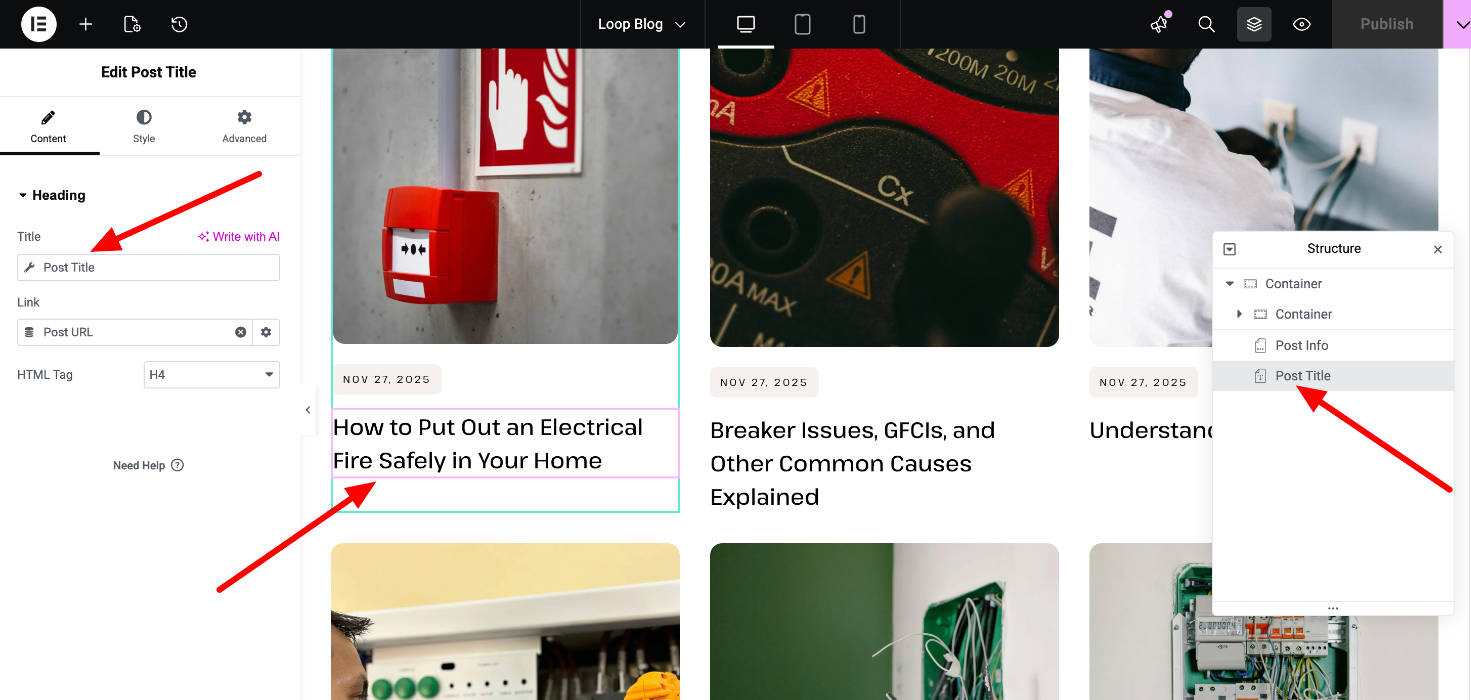
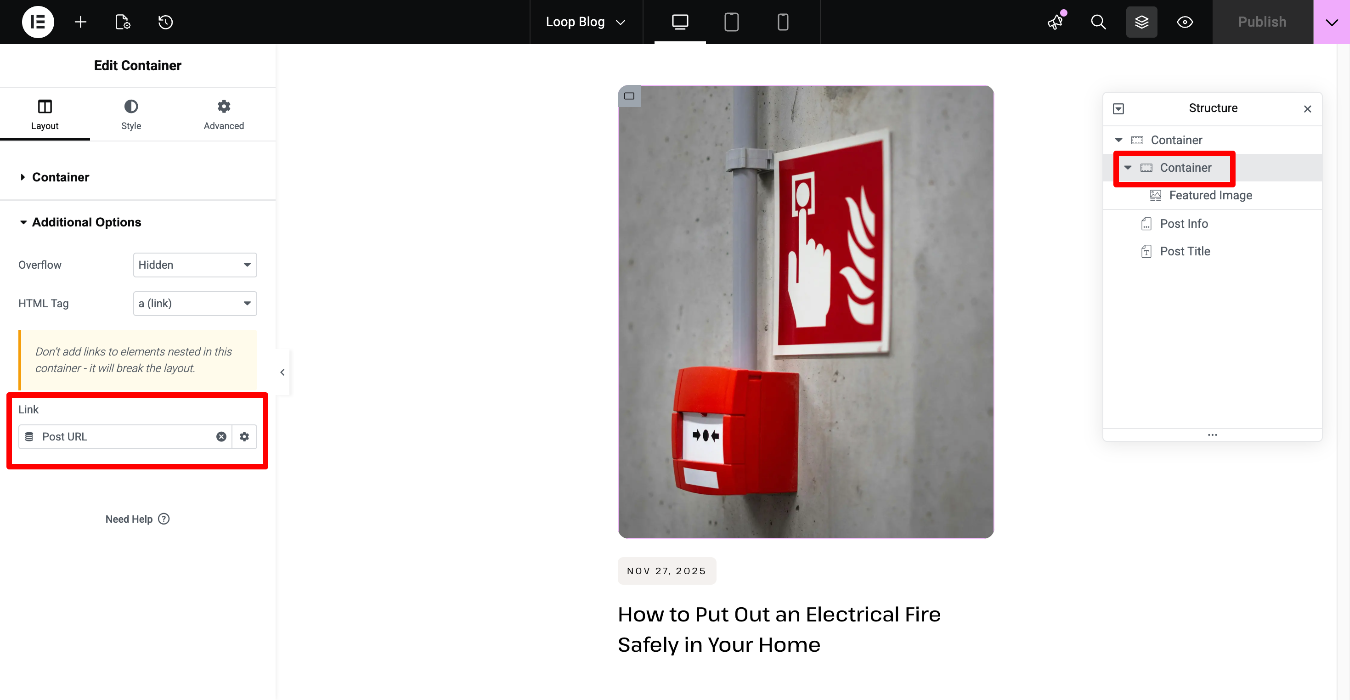
The main item template usually contains widgets with dynamic tags (https://developers.elementor.com/docs/dynamic-tags/), so they pull the individual content of each post.
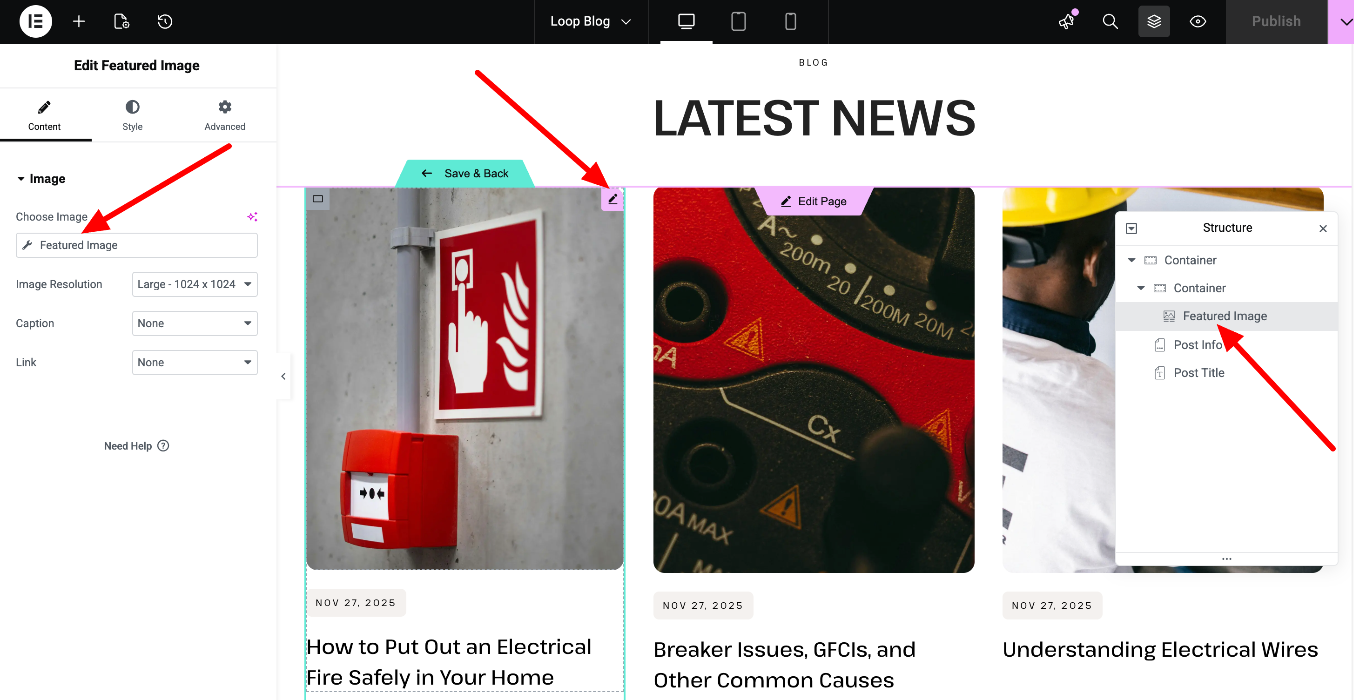
The link is set into this container's additional options:
How to edit the Loop Blog template's query?
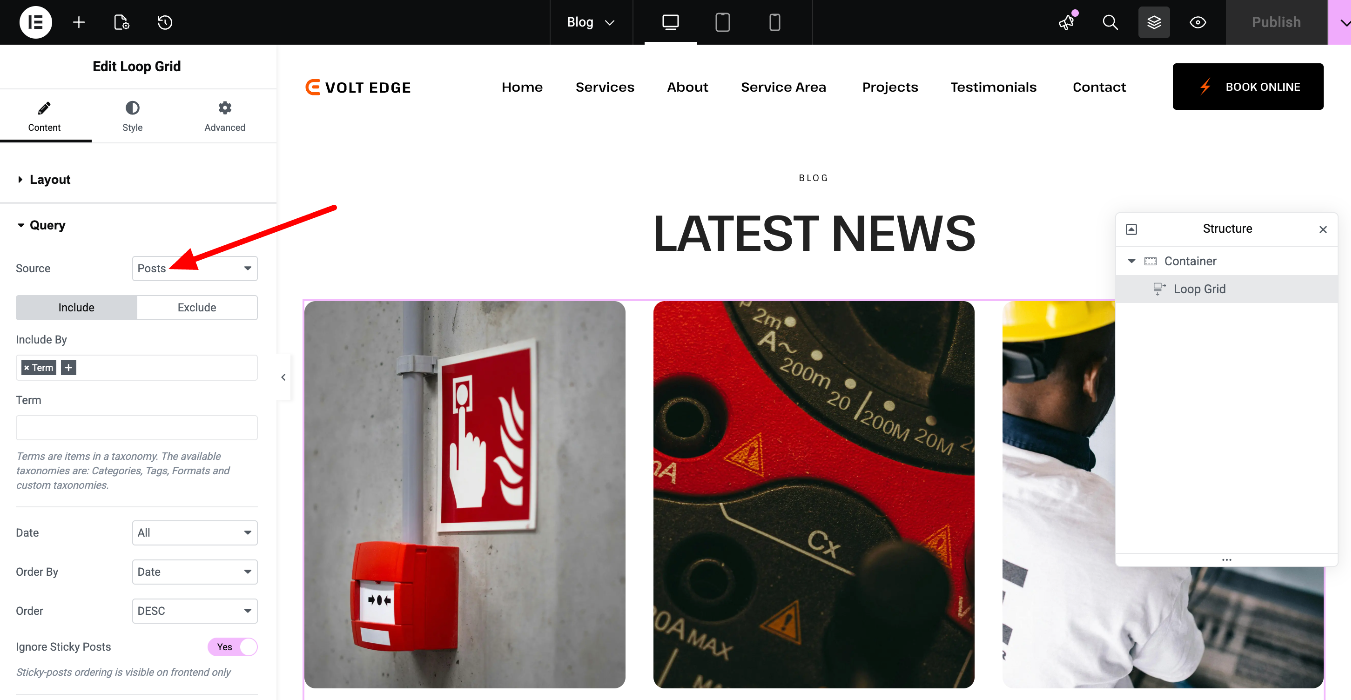
Edit the page with Elementor > Open the Query tab of the Loop grid widget, and edit the source, order, etc.
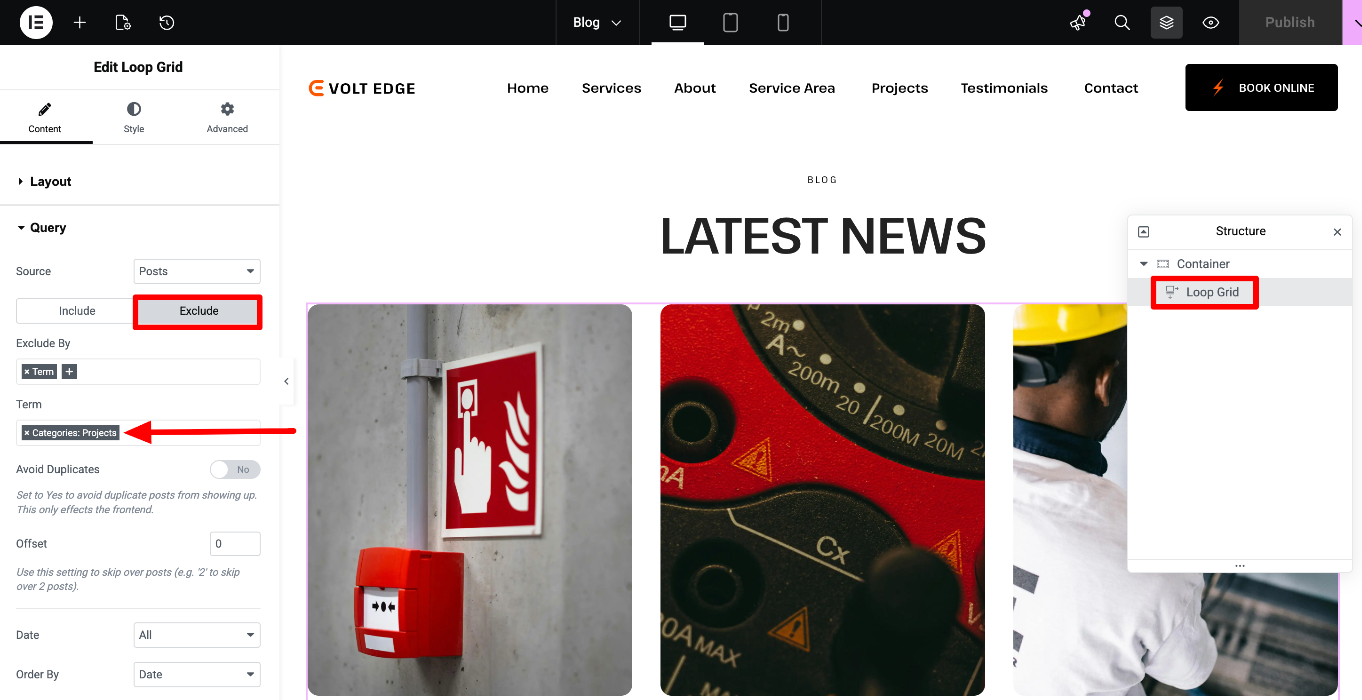
You can also edit the Exclude section of the Query:
How to edit the page's title and subtitle?
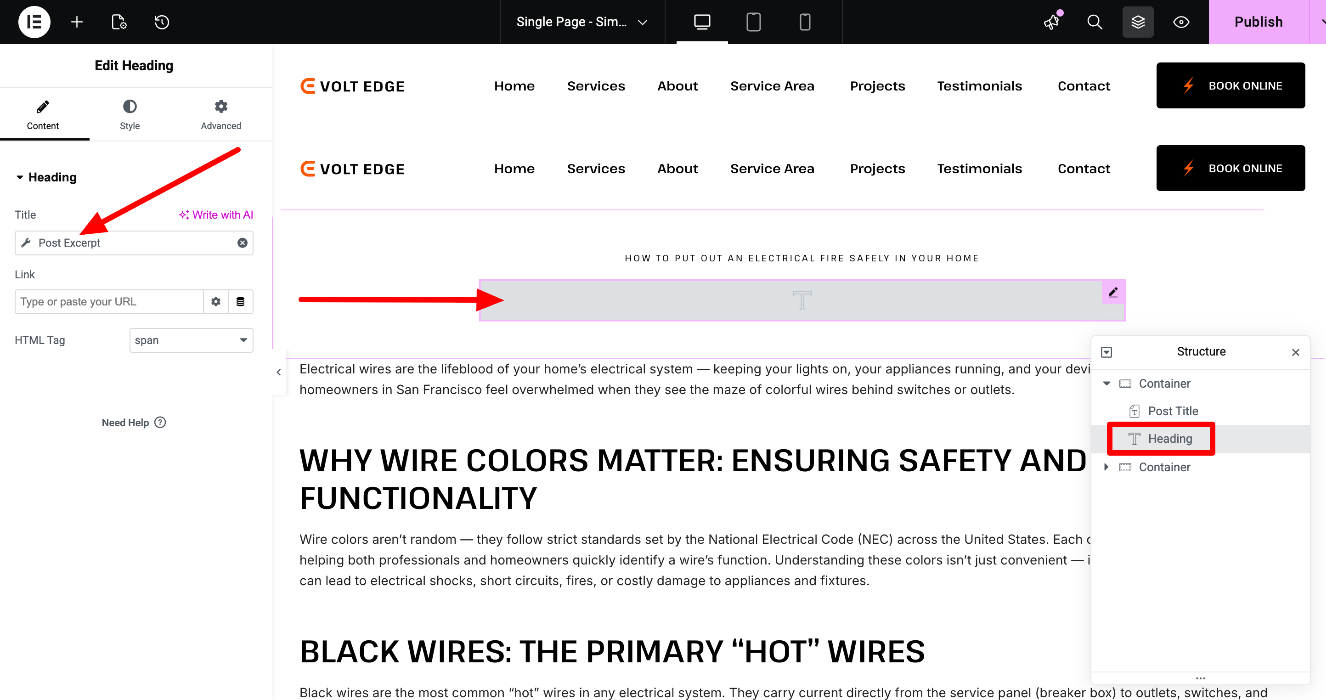
You can locate and edit them in the Single page template. Editing the Single page template will affect the design and layout of all connected pages - check more about the global templates here https://elementor.com/help/single-page-site-part/
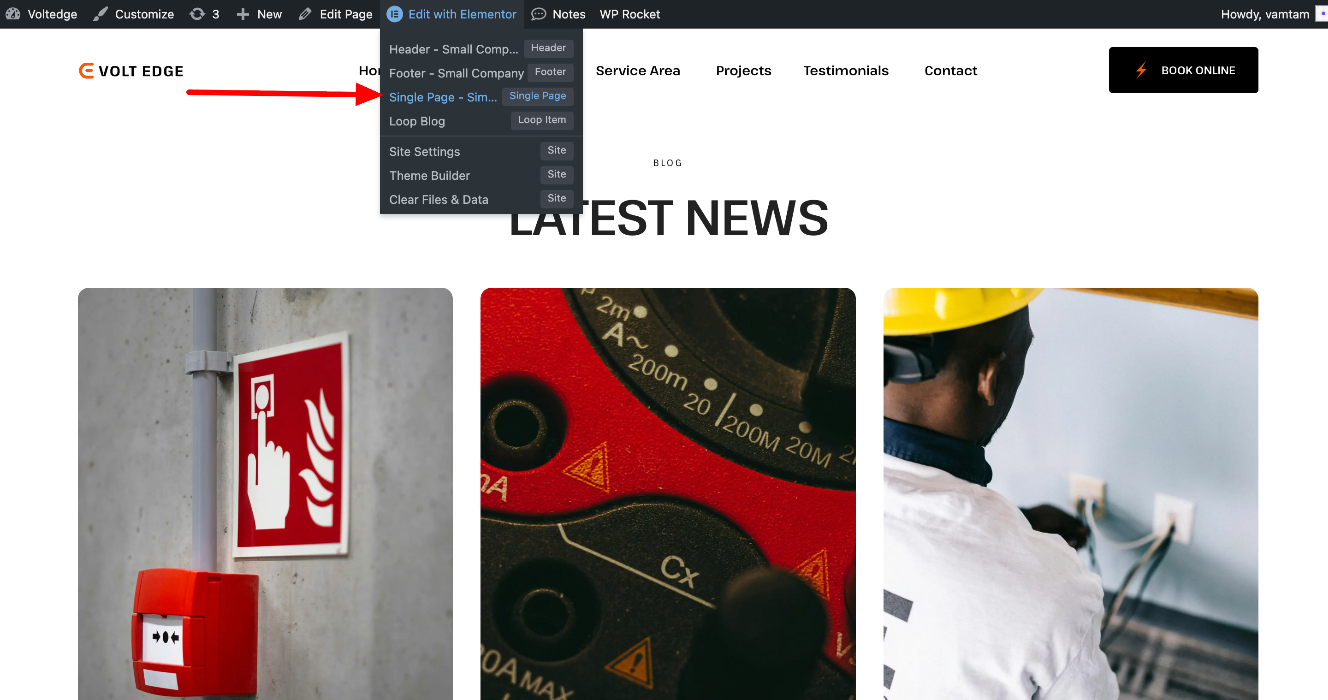
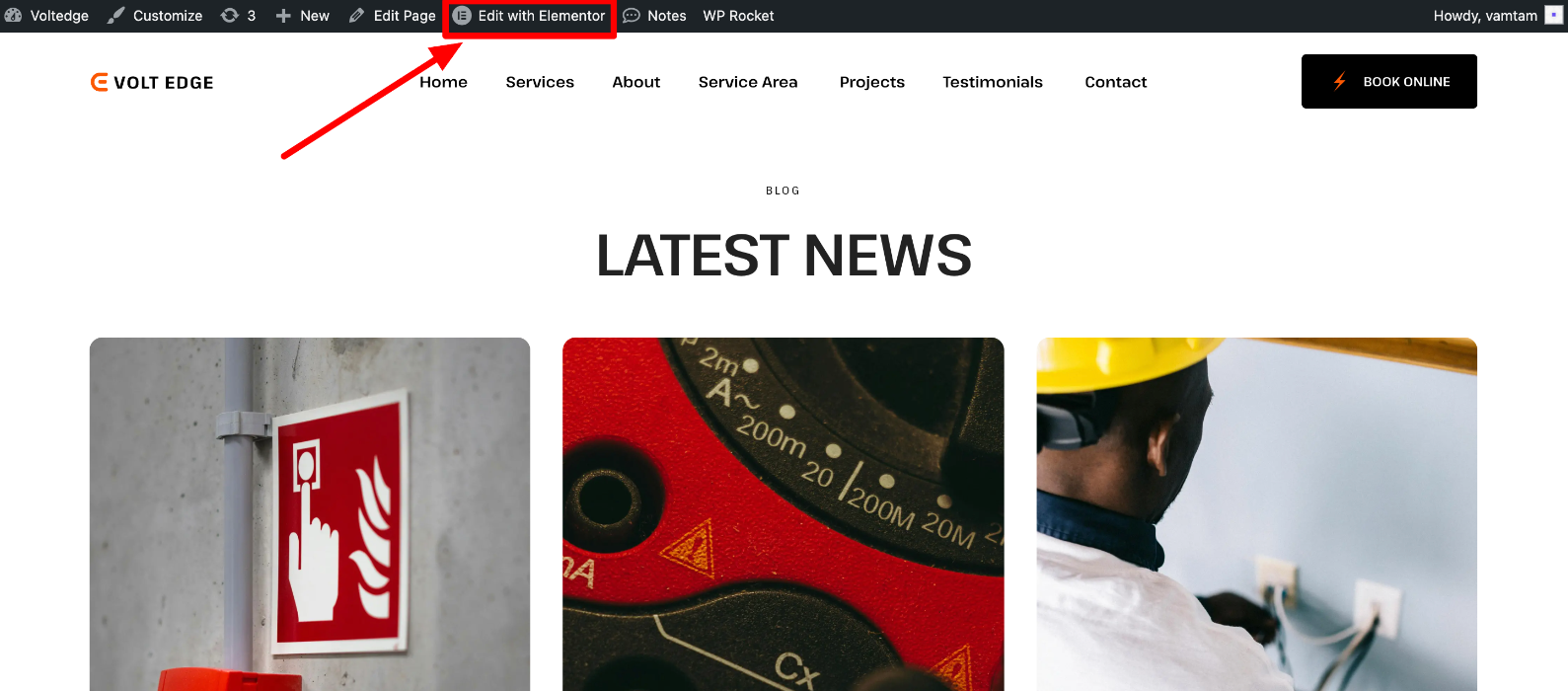
To begin, navigate to the Toolbar > Edit with Elementor > Single Page template (the name may vary):
The template usually contains elements that are dynamic tags (https://developers.elementor.com/docs/dynamic-tags/), so they pull the individual content of each page. You must edit them in the page, not in the template!
Below, we’ll take a closer look at the dynamic tags used throughout this template.

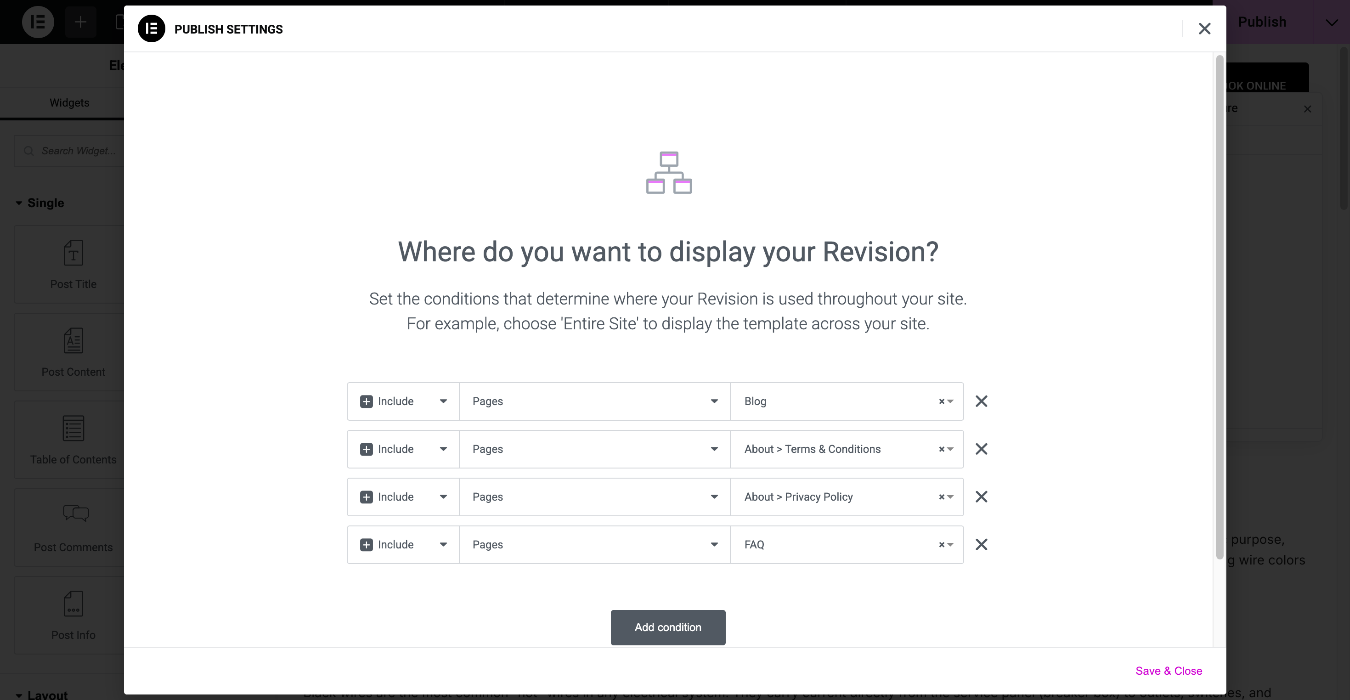
Editing the template will affect all the connected pages - you can check which are they in the template's display conditions https://elementor.com/help/conditions/:
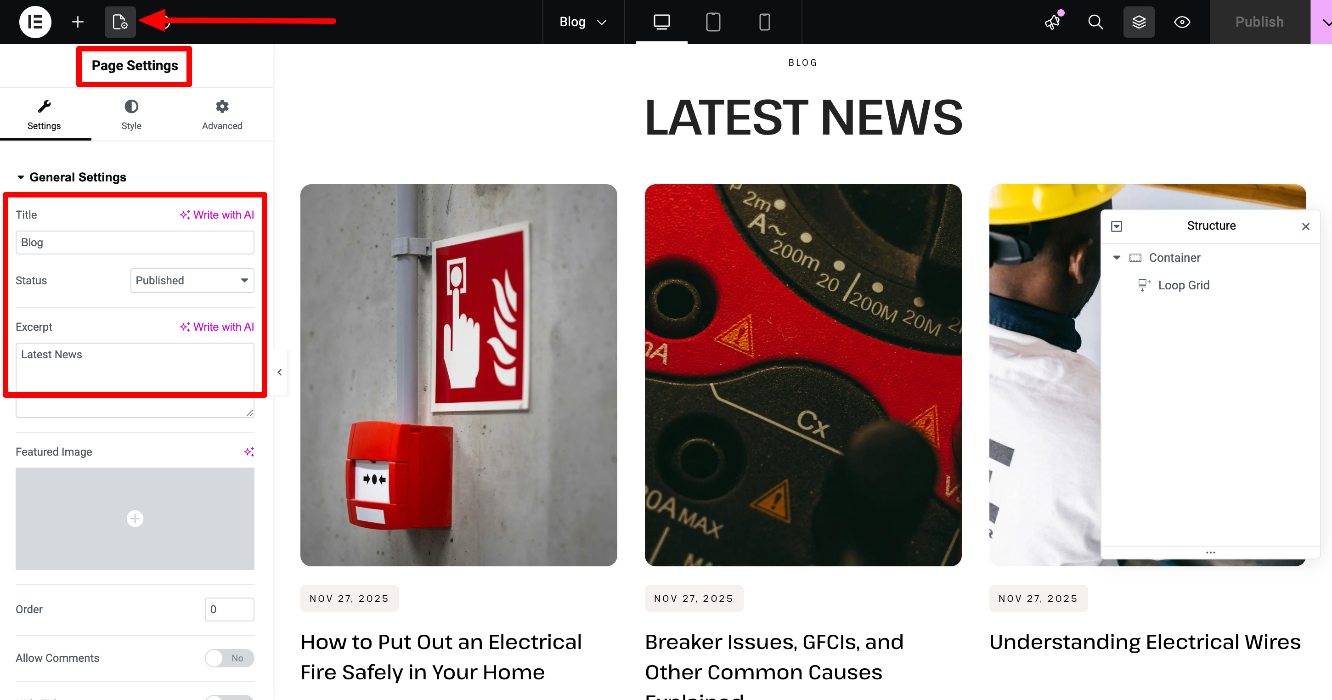
You can edit the Blog page's title and excerpt in the Elementor editor > Page Settings:
You can check this guide for more information:
Setting up Blog Listing Page and Blog Posts