⚠️ Note for Envato Elements users: If you downloaded the theme from Envato Elements, you do not need a purchase code, and you are not entitled to Automatic Updates or Support. The purchase code is only needed if you purchased the theme from vamtam.com or Envato Market.
Special Offer: Updates and Support for Envato Elements Clients
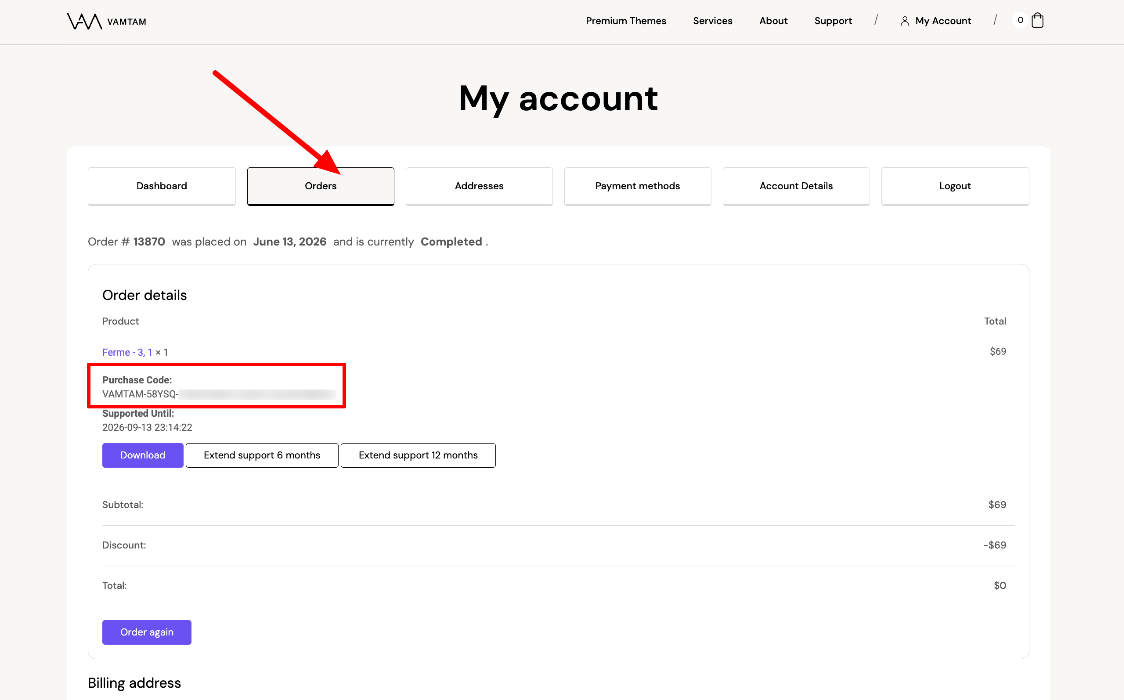
How to find your purchase code VamTam.com
- Log in to your VamTam account https://vamtam.com/my-account/
- Go to Orders > View
- Find the Purchase code in the order details
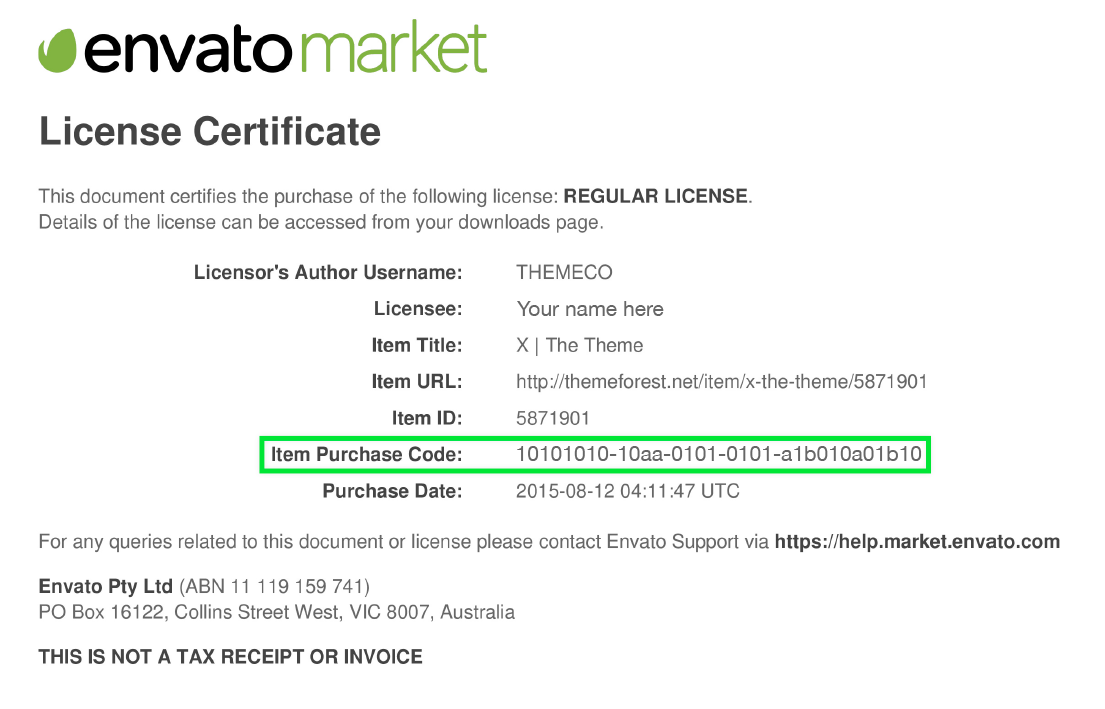
How to find your purchase code Envato Market (ThemeForest)
- Log into your Envato Market account.
- Hover the mouse over your username at the top of the screen.
- Click 'Downloads' from the drop-down menu.
- Click 'License certificate & purchase code' (available as PDF or text file).
- If a plugin is asking for the purchase code, but the plugin came bundled with a theme, please refer to this article for more information.