


Special Offer: Updates and Support for Envato Elements Clients
How to generate your Envato Elements token
Click the "Follow this link to generate a new Envato Elements Token" link.
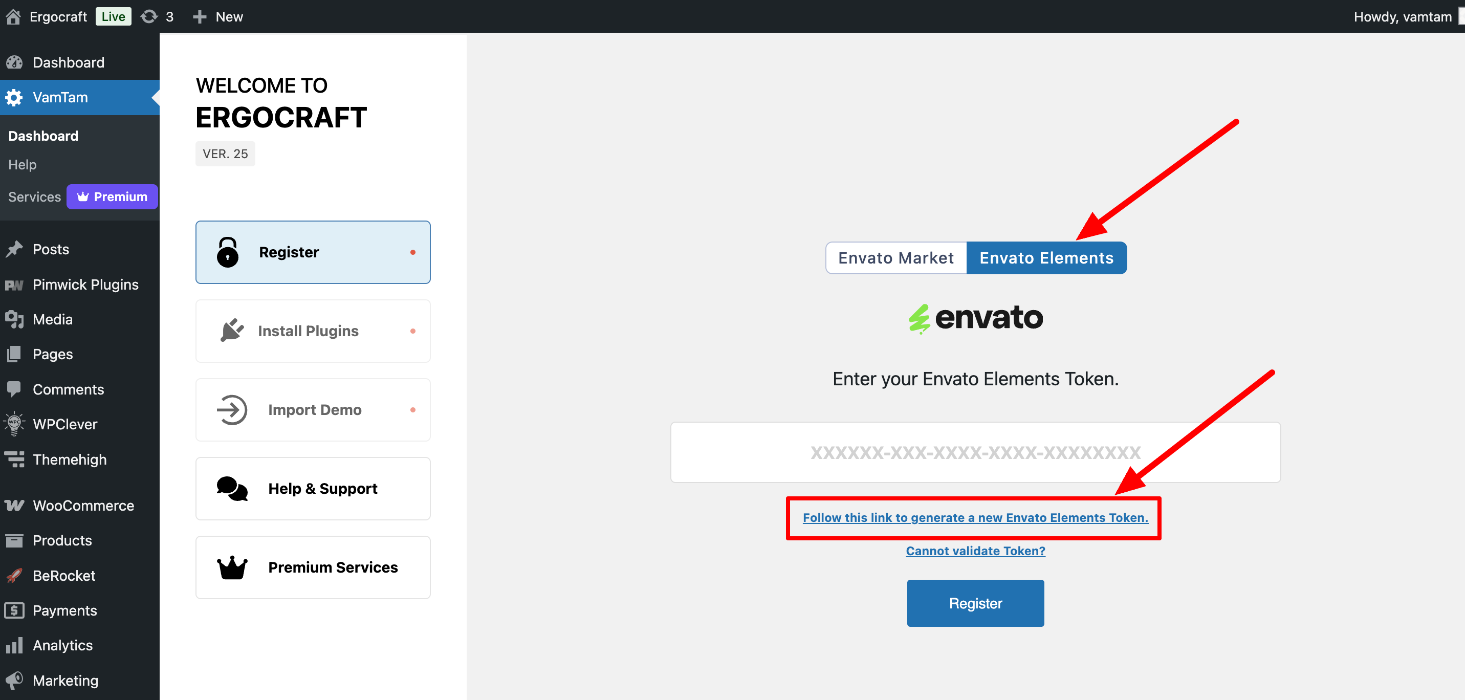
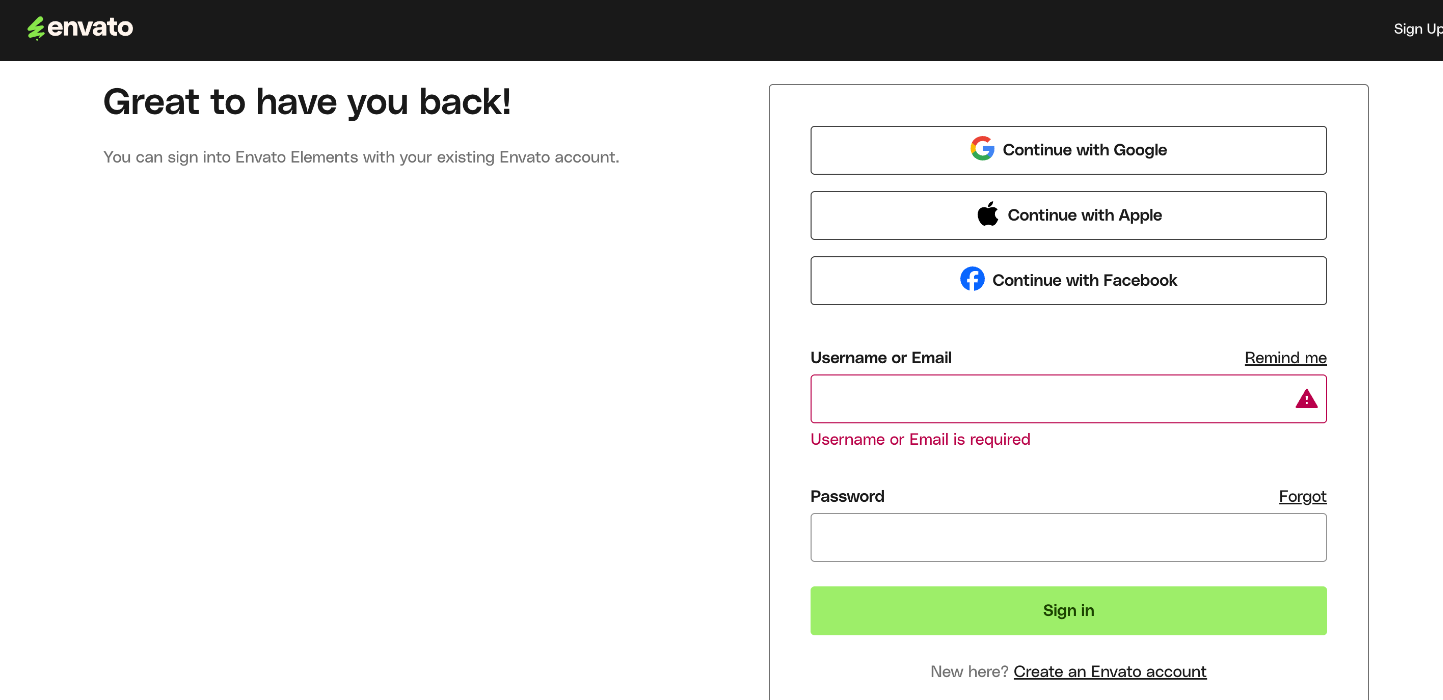
It will redirect you to the Envato login page. You can sign in to Envato Elements with your existing Envato account.
Follow the steps for generating the Envato Elements Token, and copy the token:
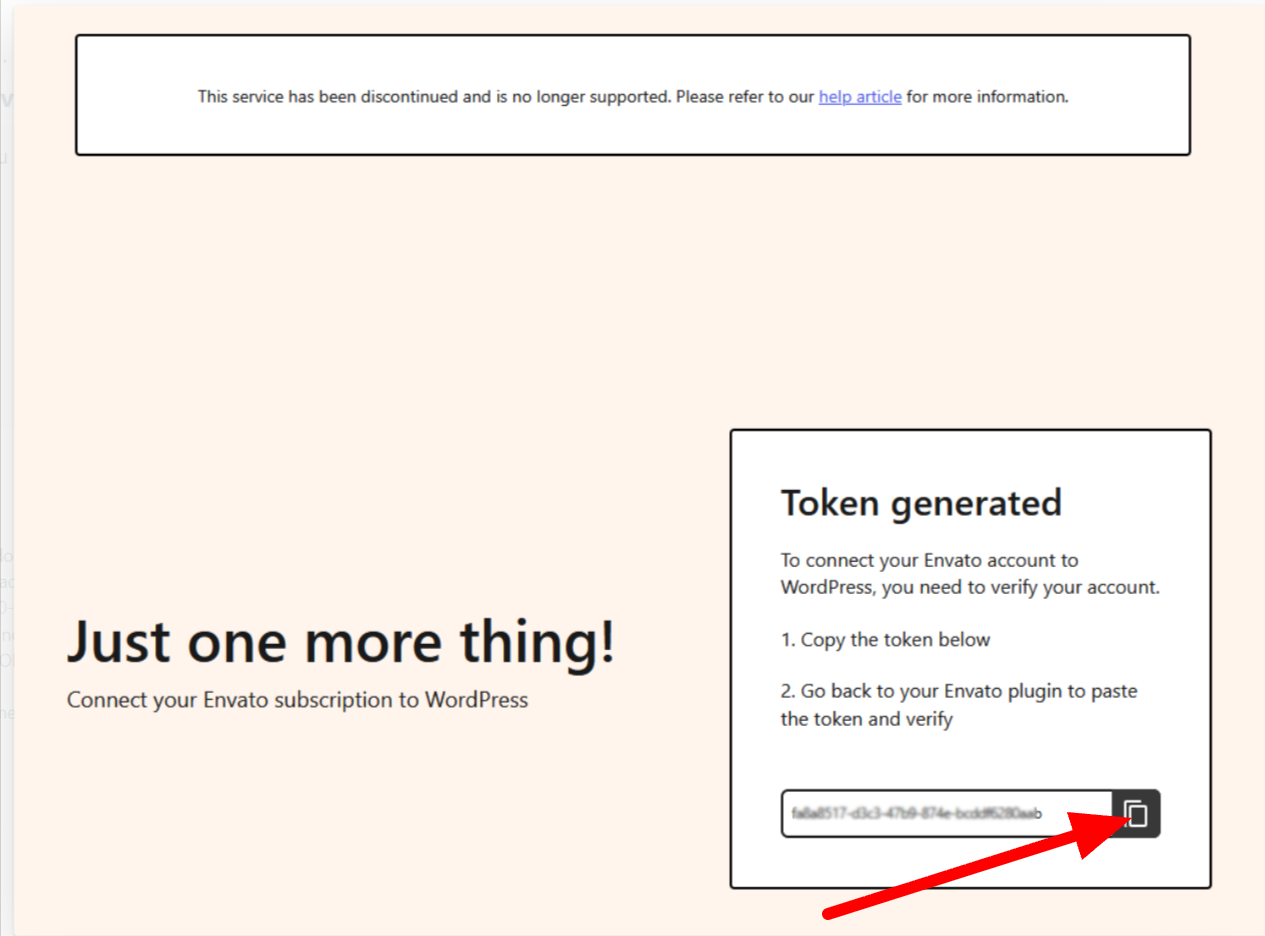
Note: If you still see the message “This service has been discontinued…”, please ignore it - Envato will remove it shortly.
Enter the Envato Elements Token and click "Register".
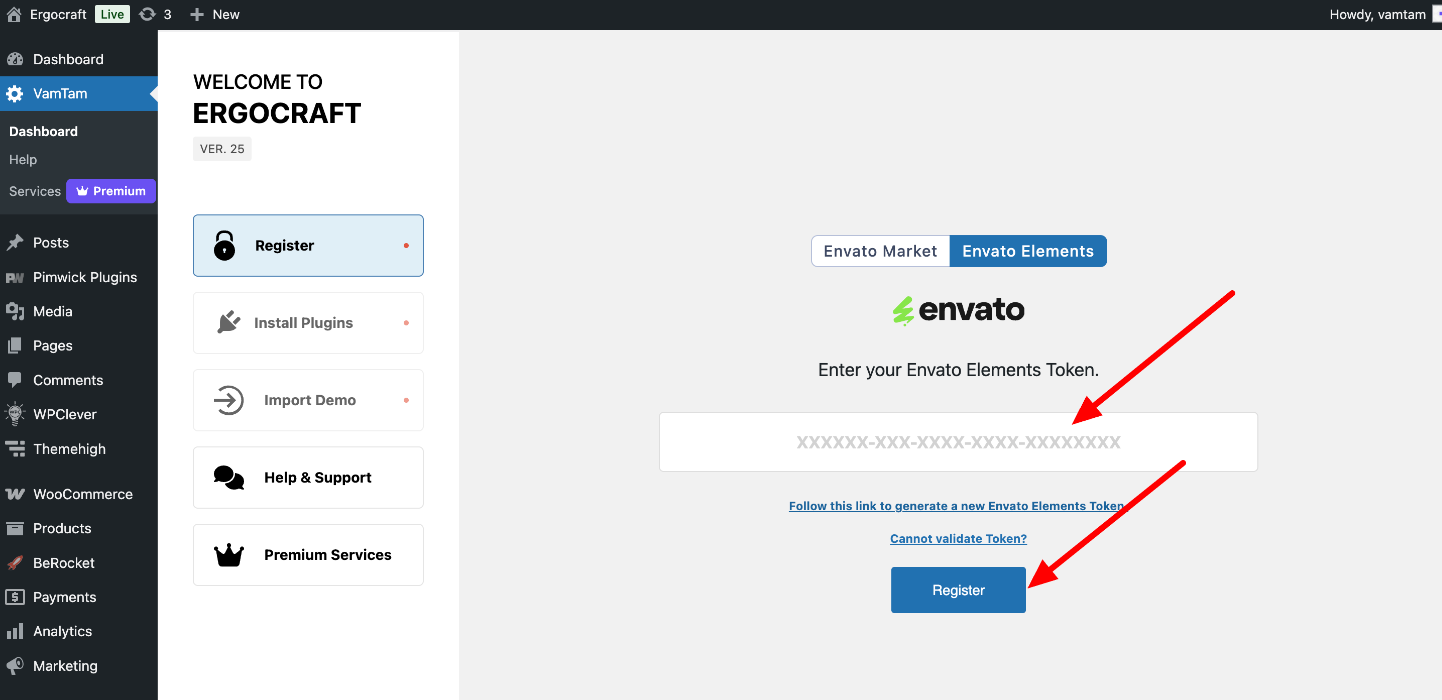
Now, you can install the plugins and import the demo content. Check the installation guide here
Troubleshooting:
In case you see "Cannot validate token" - please check this solution: https://elementor.support.vamtam.com/support/solutions/articles/252289-cannot-validate-purchase-key-or-token
You can also check the official Envato Elements article: https://help.elements.envato.com/hc/en-us/articles/360000621443-Do-I-need-a-purchase-code-